Company
A company is built around you.
A manager to report to, a team beside you, and your own place in the chart.

IT ticketing & support simulator
A real service desk at a company built for you. Tickets arrive, requesters answer back, and you take the computer when you need to.
Built with feedback from IT learners and support professionals.
The Support Signal
Company
A manager to report to, a team beside you, and your own place in the chart.
Ticket
Take it, and it stays with you until it is closed.

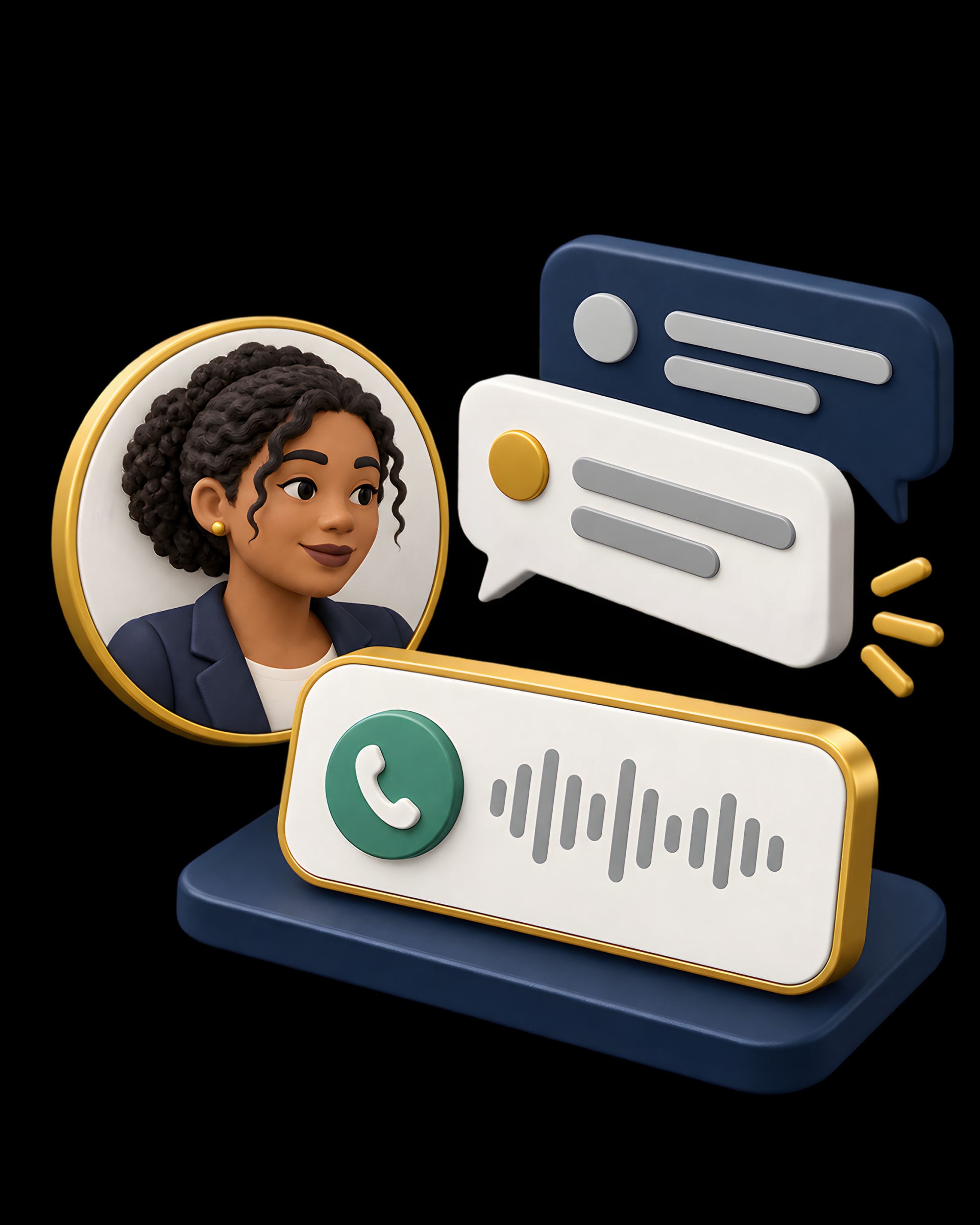
Conversation
Ask the right question and the story changes.
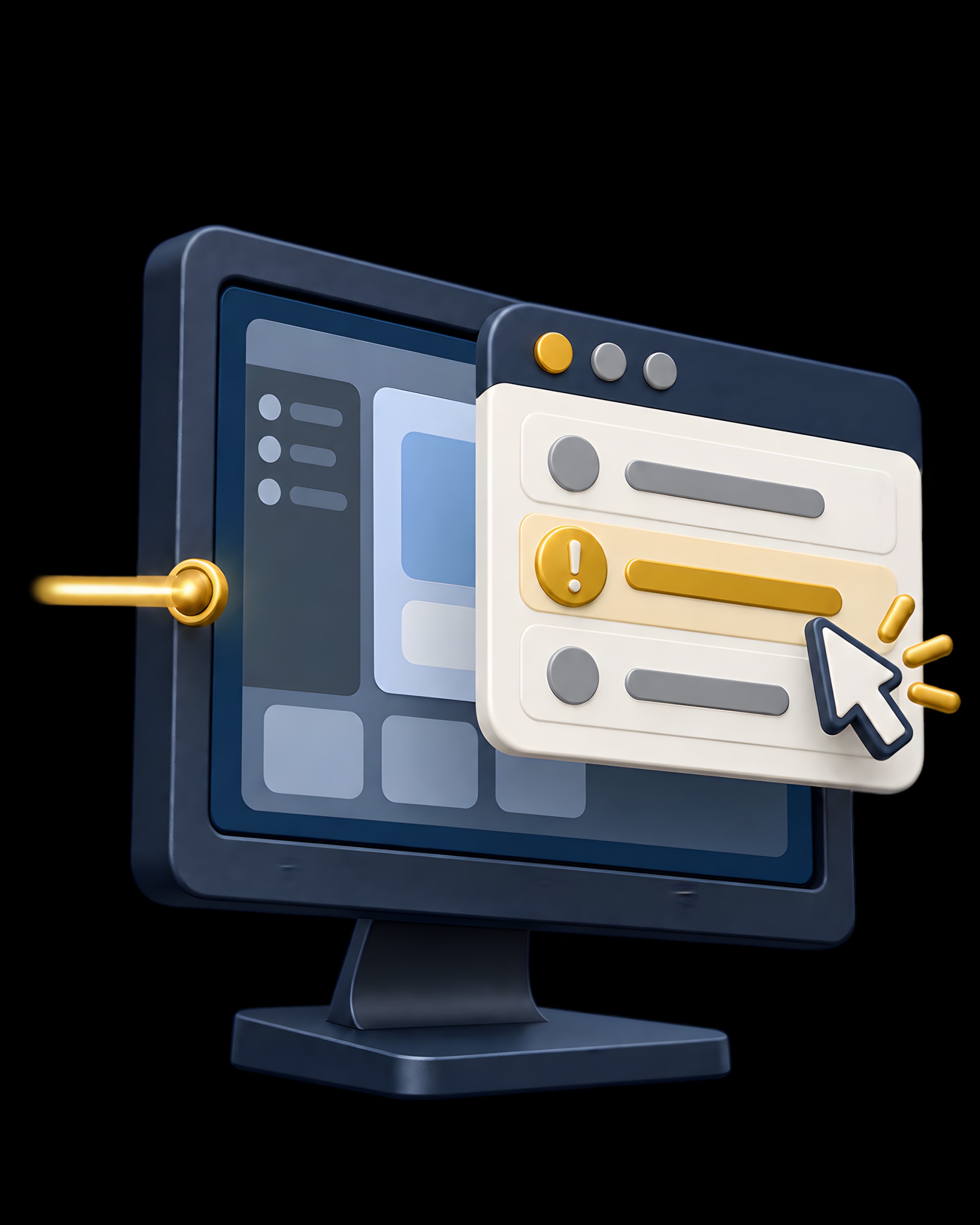
Device
Remote Assist puts the fault in front of you, live.
Proof
A score, the reasons behind it, and what to do next time.

0out of 100Passed
What learners said when their shift ended.
Honestly don't know much it but this actually feels like a real shift. You get a ticket, someone calls you not knowing what's wrong, and you have to actually poke around their machine to fix it. Way better than reading through troubleshooting flowcharts. If you're trying to break into IT support this is the closest thing to the real job I've found. Best for IT job seekers, career-switchers, and students who need real hands-on support experience before landing the role.
Read moreGot to know ticketing process under different issues. Nice feature of Support call and remote assist.
What to expect from your first session.
Whether you’re learning IT support, returning to it, or already working on a service desk, practise troubleshooting and communicating with users at your own pace.
Your caller is AI, playing a fictional employee with an IT problem. You speak through your microphone, just like a support call. Raw call audio is not stored.
Create an account and explore your service desk in the browser. Voice calls need microphone access; headphones are recommended. The Free plan includes 5 tickets, 2 calls, 1 Remote Assist session and 5 Solution Hints (a one-off allowance, not monthly). No card is needed to start.
Create a free account and work your first ticket today.